 Inspia Capture · Free image to text
Turn images into
AI prompts.
Free image to text, right in Chrome. Turn a reference image into an AI prompt without leaving the page. Copy it or use it to generate a new image.
 Get for Chrome
 Desktop Chrome · Inspia account required
Capture, describe, and create with Inspia
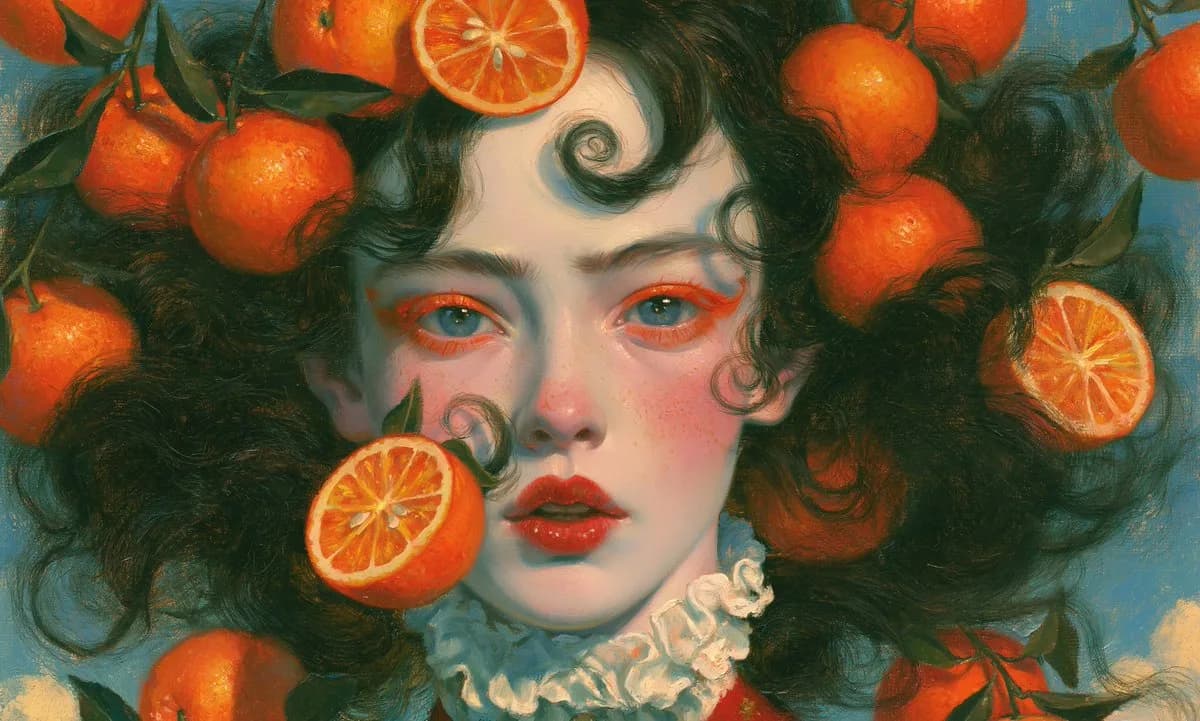
Hover over the Inspia icon to try itHeather Green · View on Inspia
Inspia CaptureDemo

Your reference
Image to text · Free
Start with a reference image
Hover over the Inspia icon and choose Generate prompt.
Your first capture
How to use Inspia Capture
Step illustration · 1 / 3
Extensions
Inspia CaptureSelect the pin to try this step.
Open Chrome Web StoreFrequently asked questions
More about Credits and pricing, privacy, or contact support.
Continue in Workspace
Find your saved references and generated images in one place.